Boundary mode
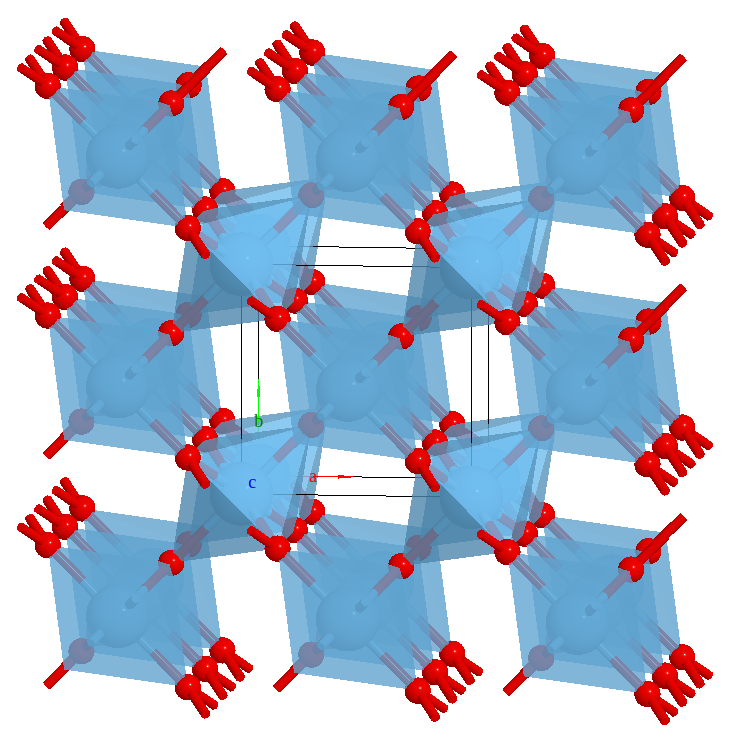
The boundary key is used to show image atoms outside the cell. The default value is [[0, 1], [0, 1], [0, 1]], thus no atoms outside the cell will be shown.
It has two purposes:
For the visualization of a crystal, one usually shows the atoms on the unit cell boundary.
In the DFT calculation, the periodic boundary condition (PBC) is very common. When editing a structure, one may want to see the how the PBC image atoms change.
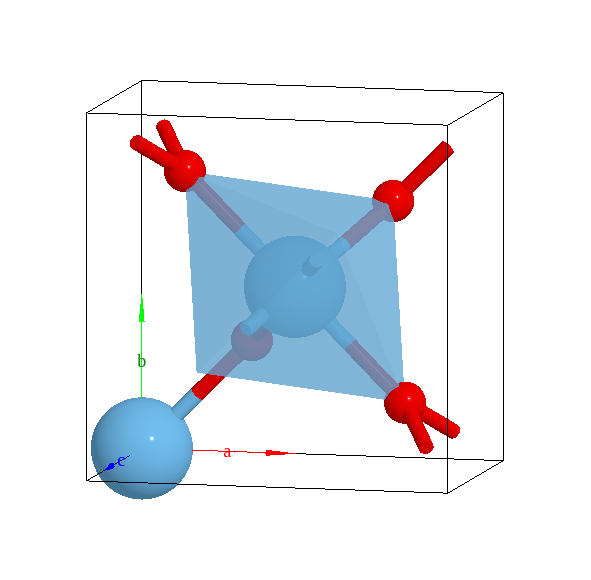
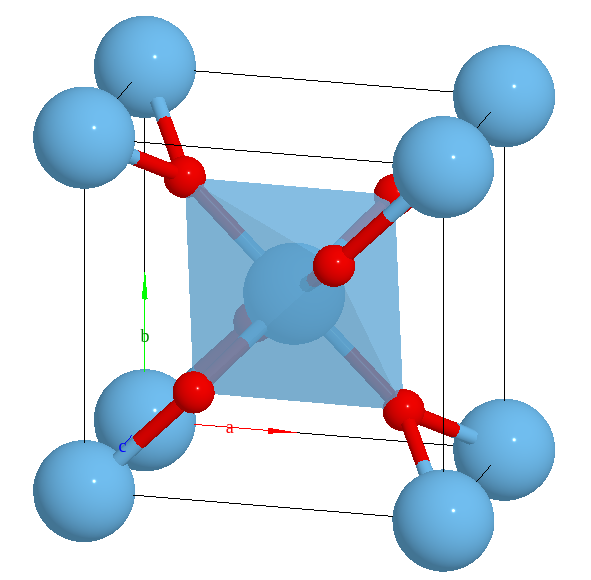
Show the atoms on the unit cell:
editor.avr.boundary = [
    [-0.01, 1.01],
    [-0.01, 1.01],
    [-0.01, 1.01],
  ];
No boundary atoms |
With boundary atoms |
|
|
Supercell view
editor.avr.boundary = [[-1, 2], [-1, 2], [-1, 2]]